

Overview
There are two ways to start an RFP proposal generation:Creating a Proposal from an existing RFP
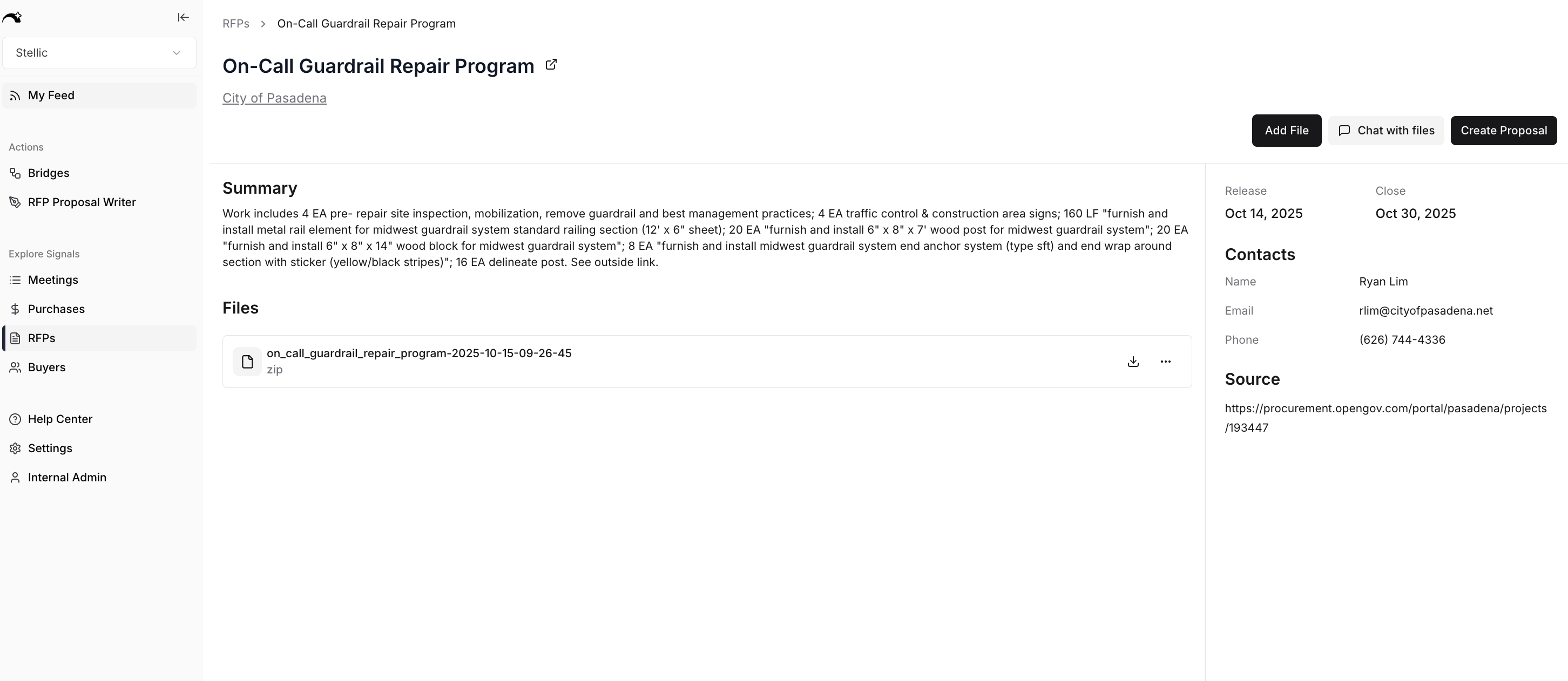
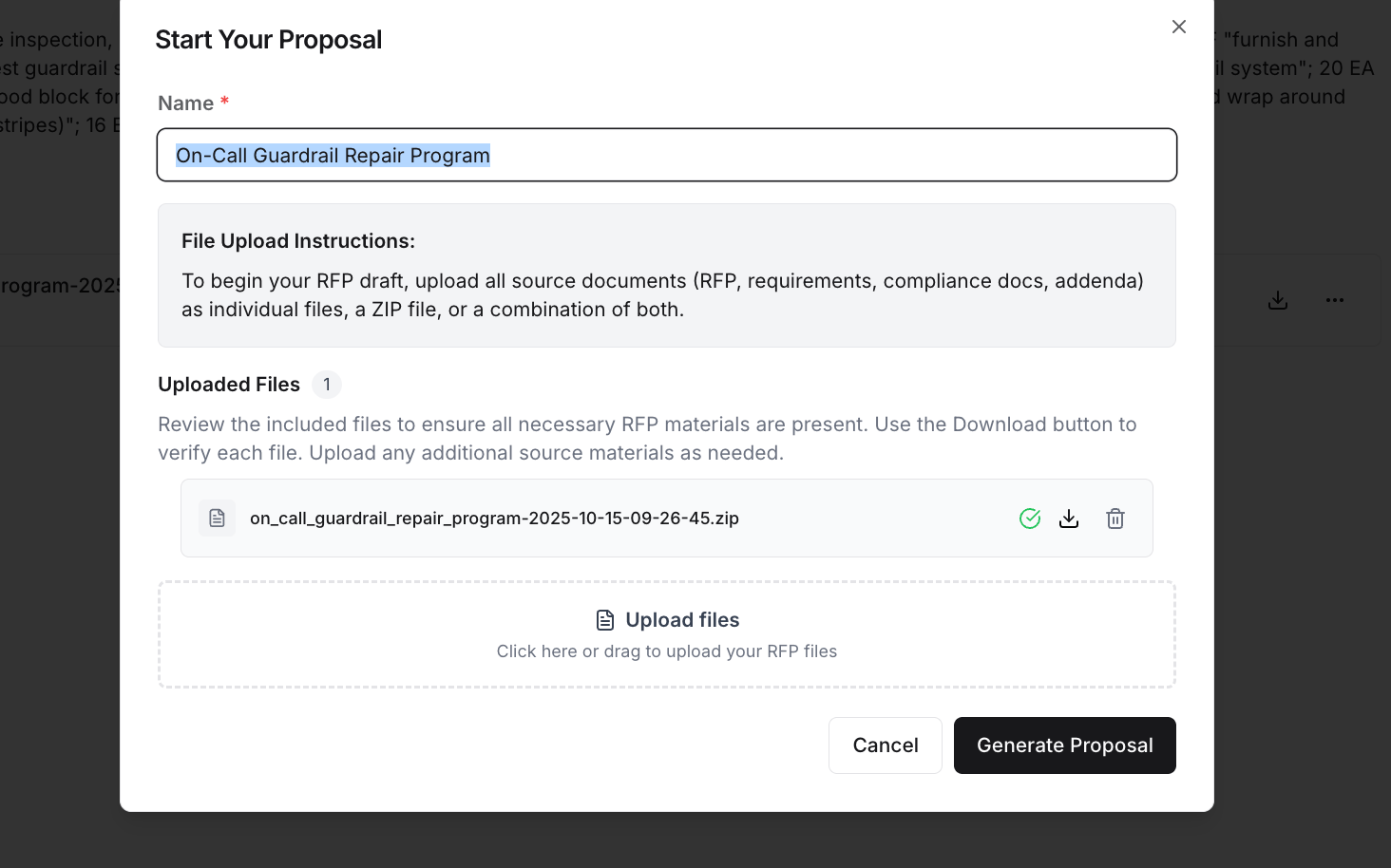
Create an RFP Draft Found Elsewhere
If you found an RFP outside of the Starbridge platform, you can begin the process of creating a draft by navigating to the RFP Drafts tab and clicking “Create a Proposal.”Creating an Outline
Once you start an RFP, the status of the RFP will progress from “Initializing” to “Initialized”. When the RFP is “initialized”, it is ready for you to edit the Outline.
Outline Editor
Once initialized, the Outline Editor will be available for view. The left side contains “Task Requirements”, these are requirements that need to occur outside of the RFP, for example: submitting the RFP, additional approvals, third party quotes. The right side of the RFP will contain all of the RFP requirements for which Starbridge will draft an answer.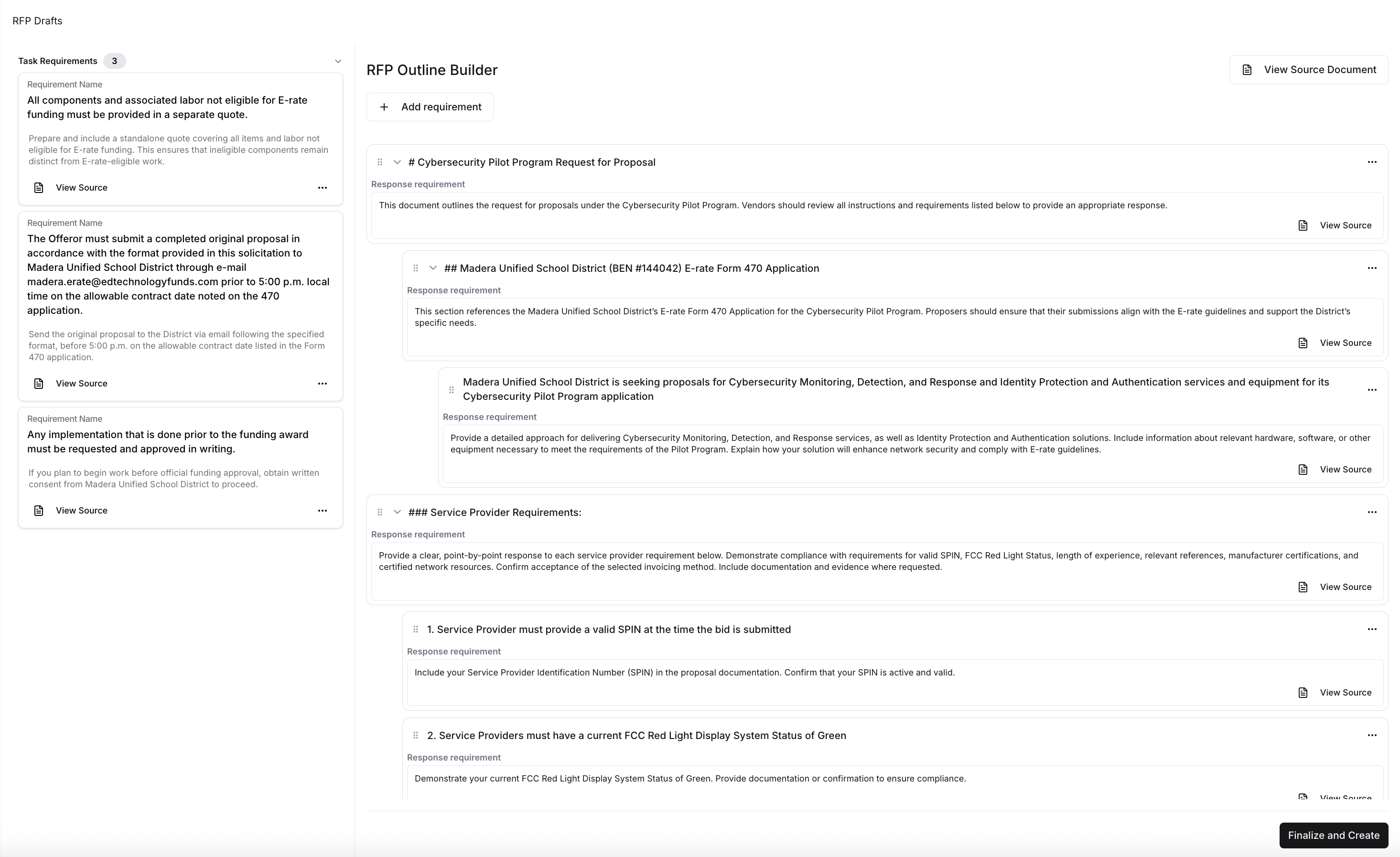
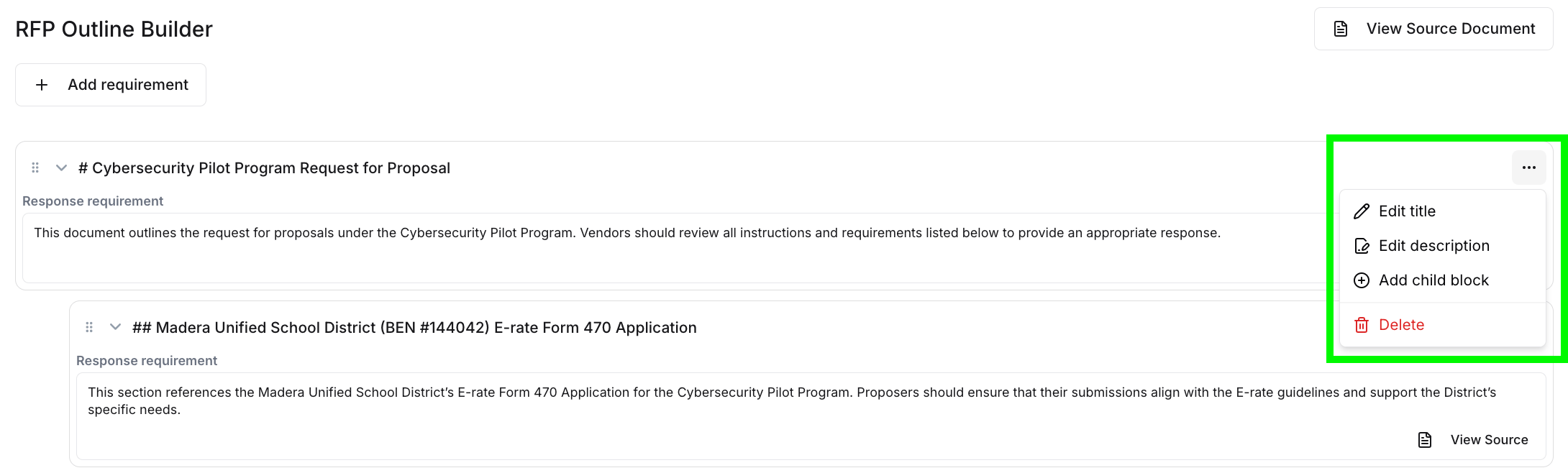
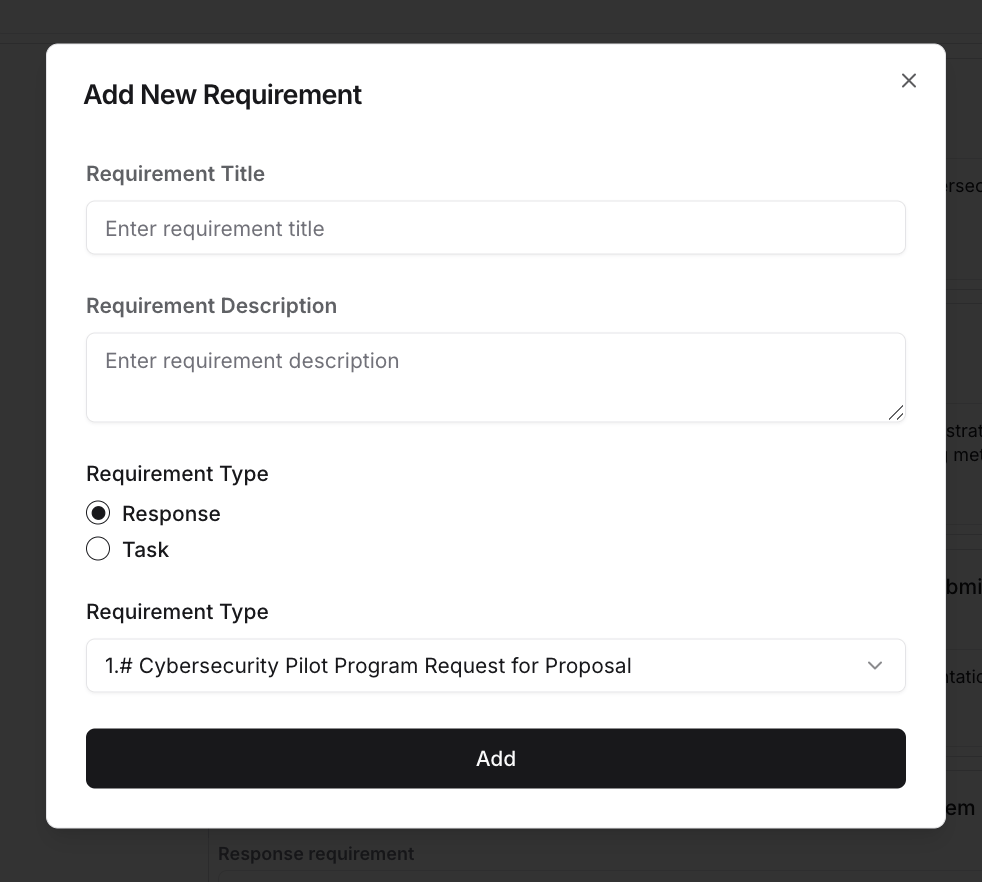
Finalizing the Outline
Once happy with the Outline, you can click on “Finalize and Create” and the Draft of the RFP will be generated with all of your specifications and edits included!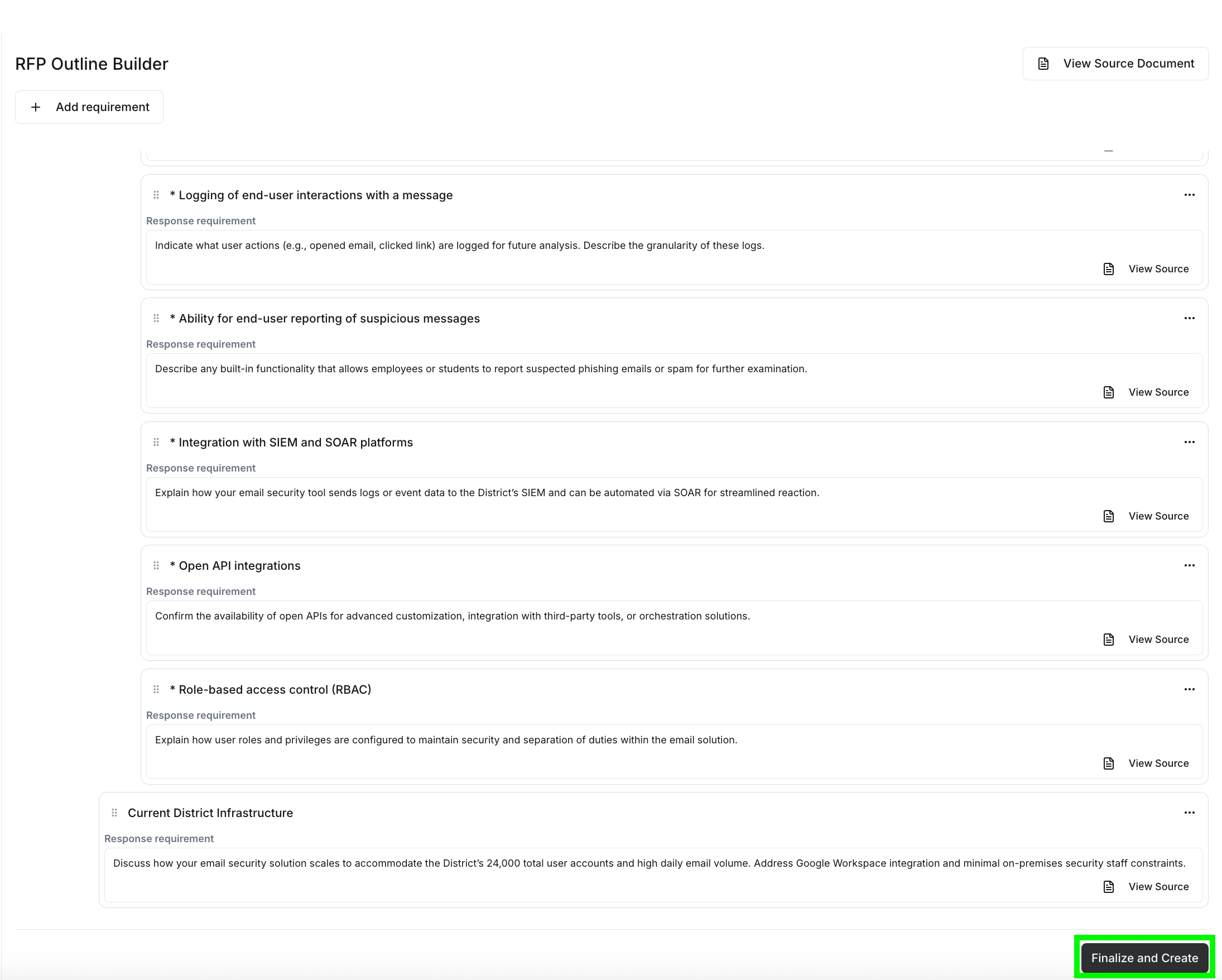
Viewing Your Outline
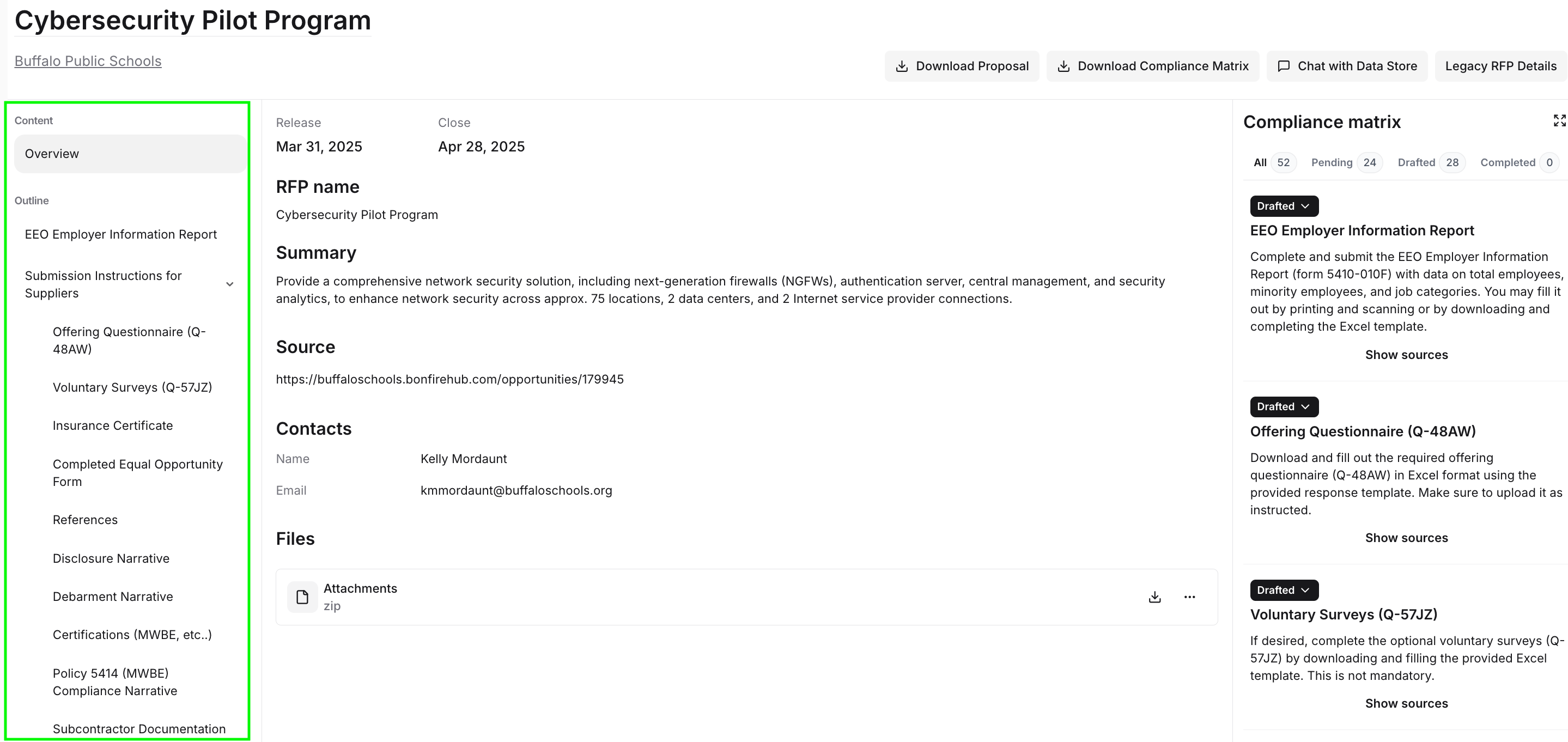
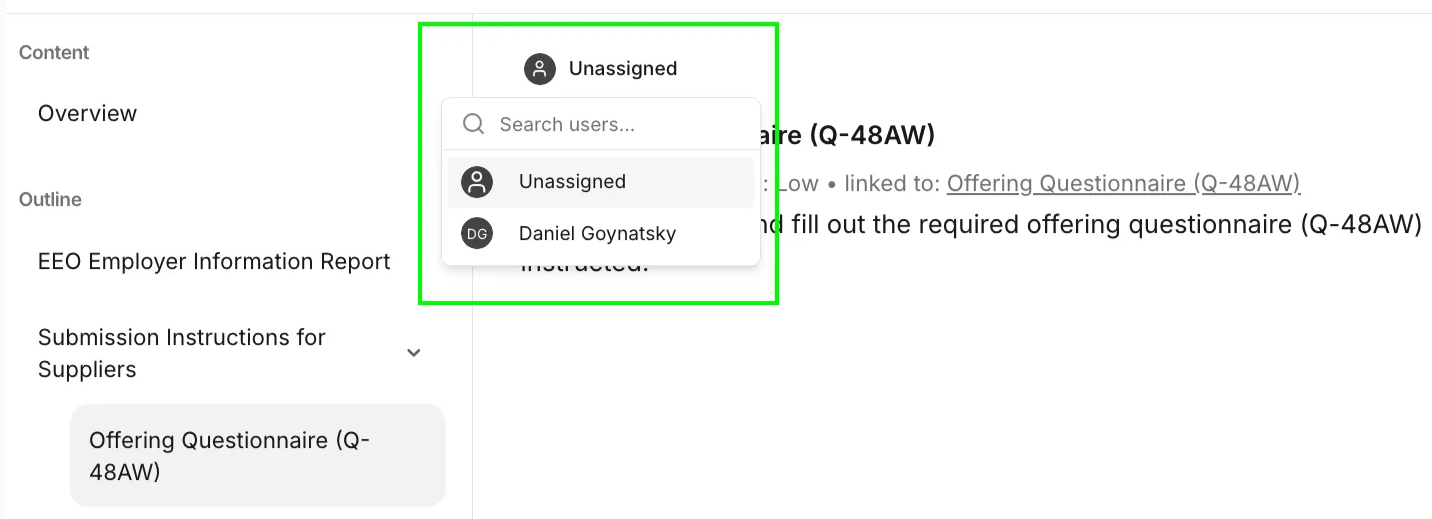

Compliance Matrix
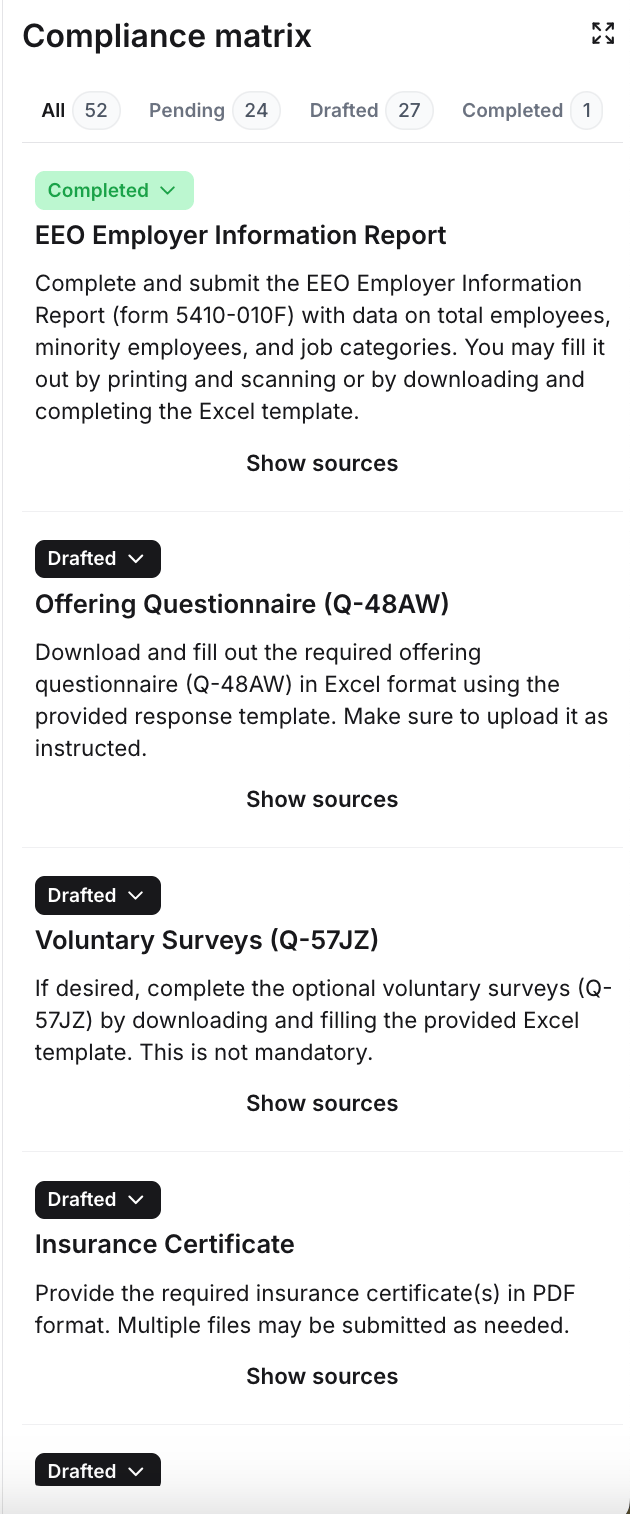
- These are the requirements for which Starbridge provided an AI-generated response based on the uploaded RFP or question/answer pairs that you have provided.
- These are requirements which are yet to be completed, including additional forms/documentation that may not have been provided as part of the RFP.