

What a quote covers
- The vehicle and term. Which approved co-op contract the deal sells through, and how long it runs.
- Who it’s for. Your details, Starbridge as the distributor, and your end customer.
- What you’re quoting. Line items you add in Starbridge, or your own quote PDF.
- Terms and your EULA. Any terms of your own, plus the EULA from onboarding.
Building the quote
Start from “Build a new quote” and pick how you want to create it.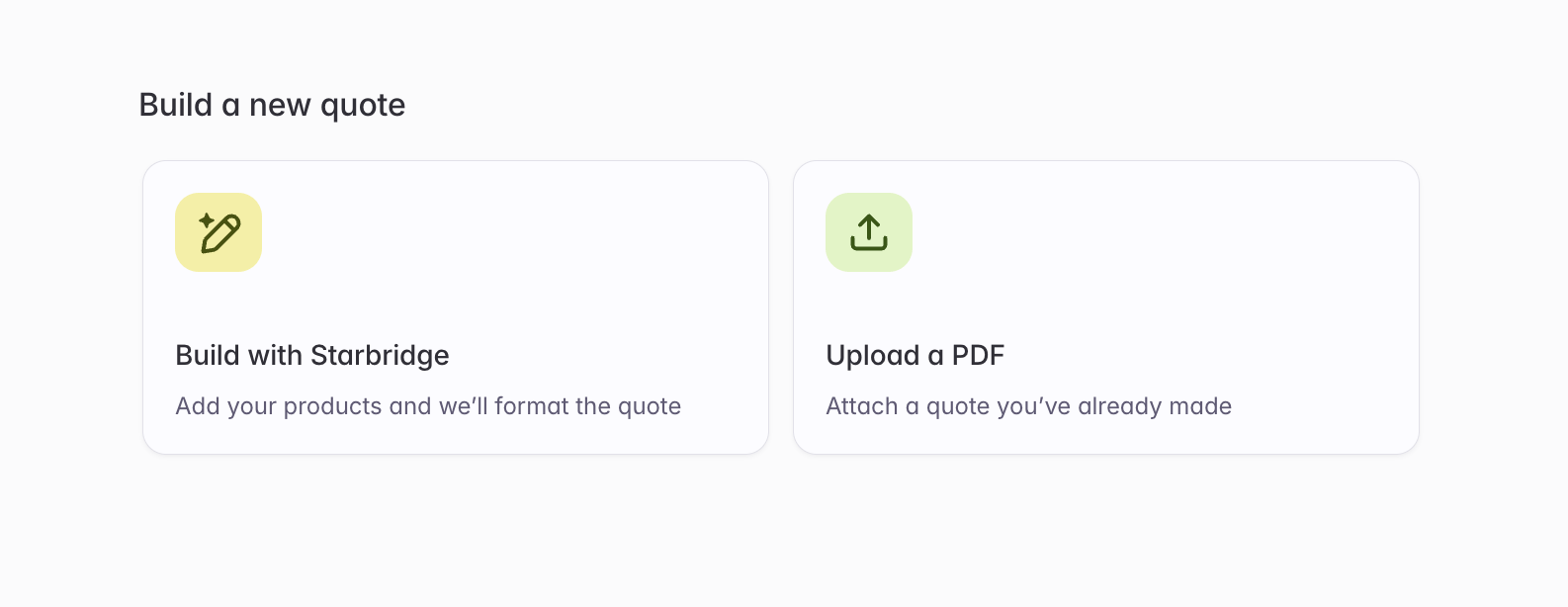
The two ways to create a quote.
- Build with Starbridge
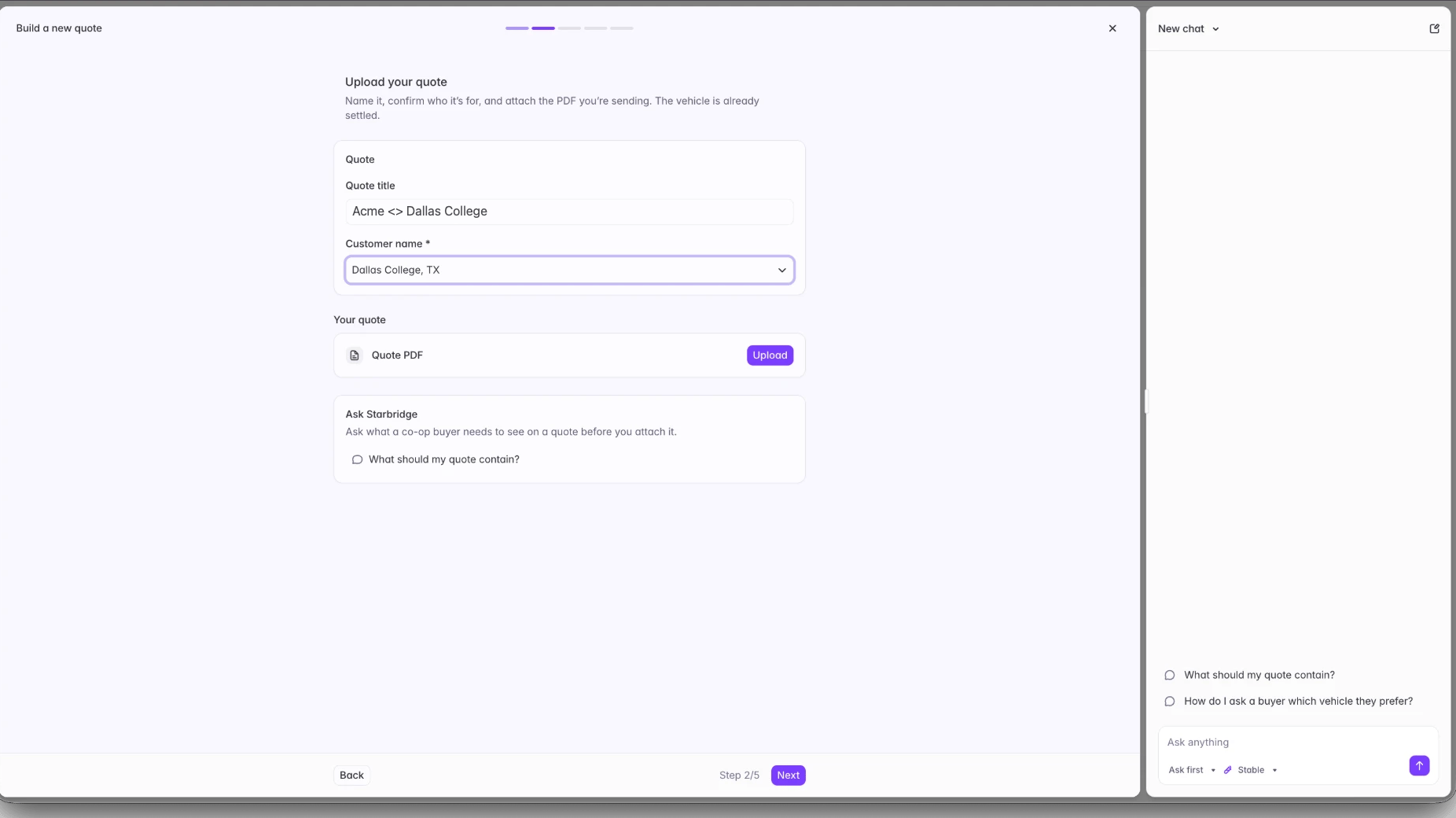
- Upload a PDF
Co-op contract and term
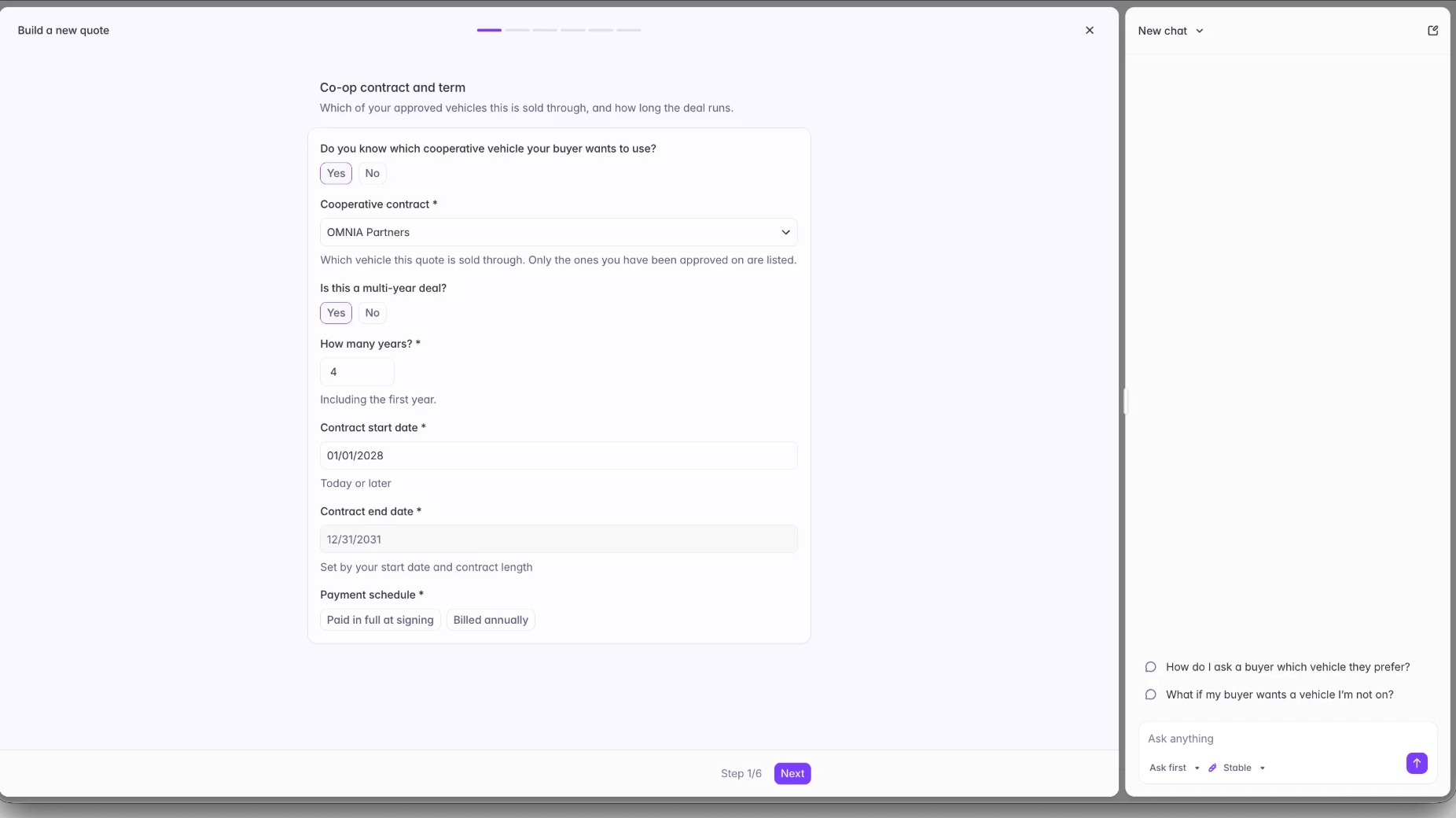
Step one sets the vehicle, the term, and the payment schedule.
Who this quote is for
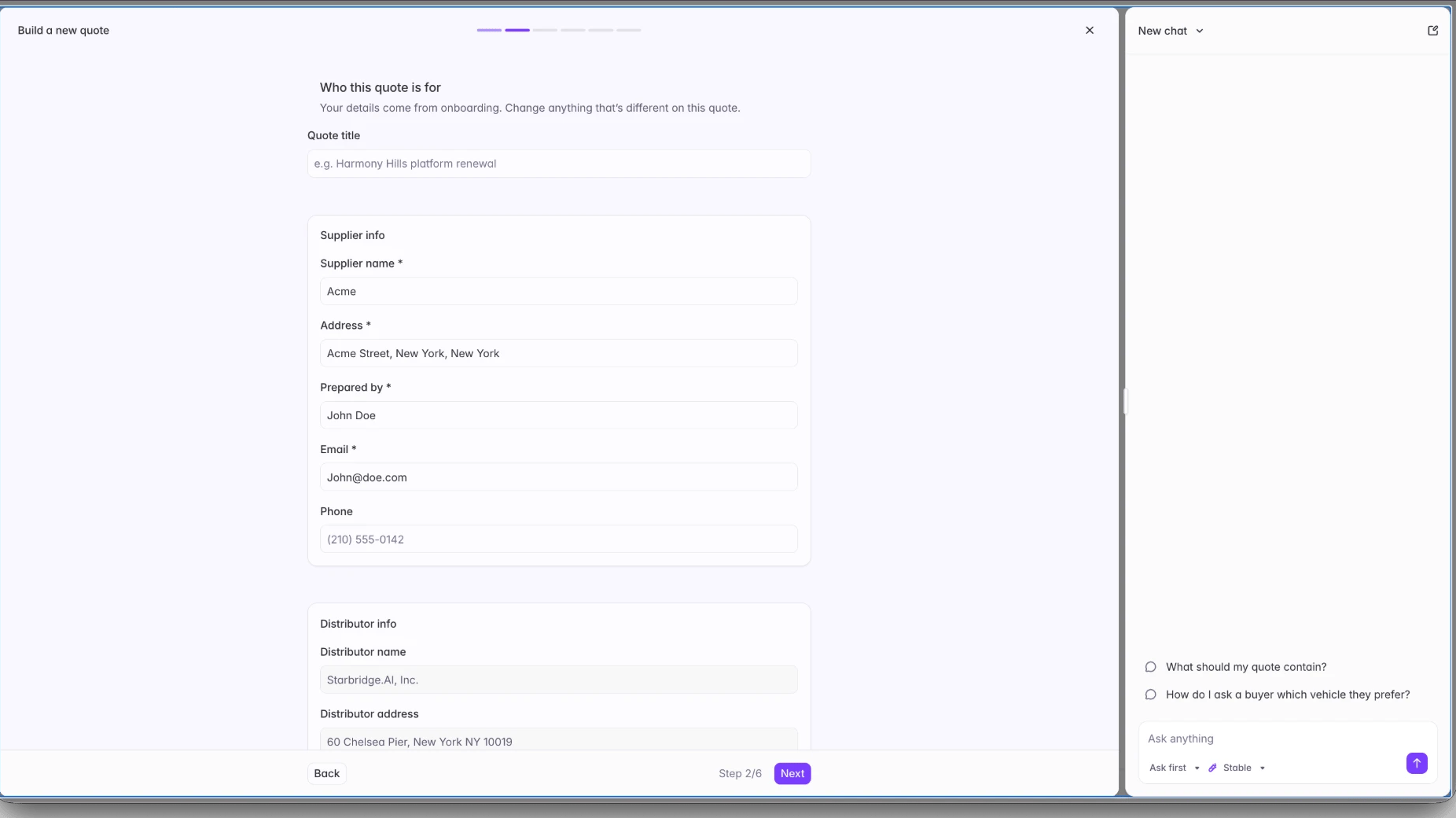
Supplier details arrive pre-filled from onboarding and stay editable.
Add line items
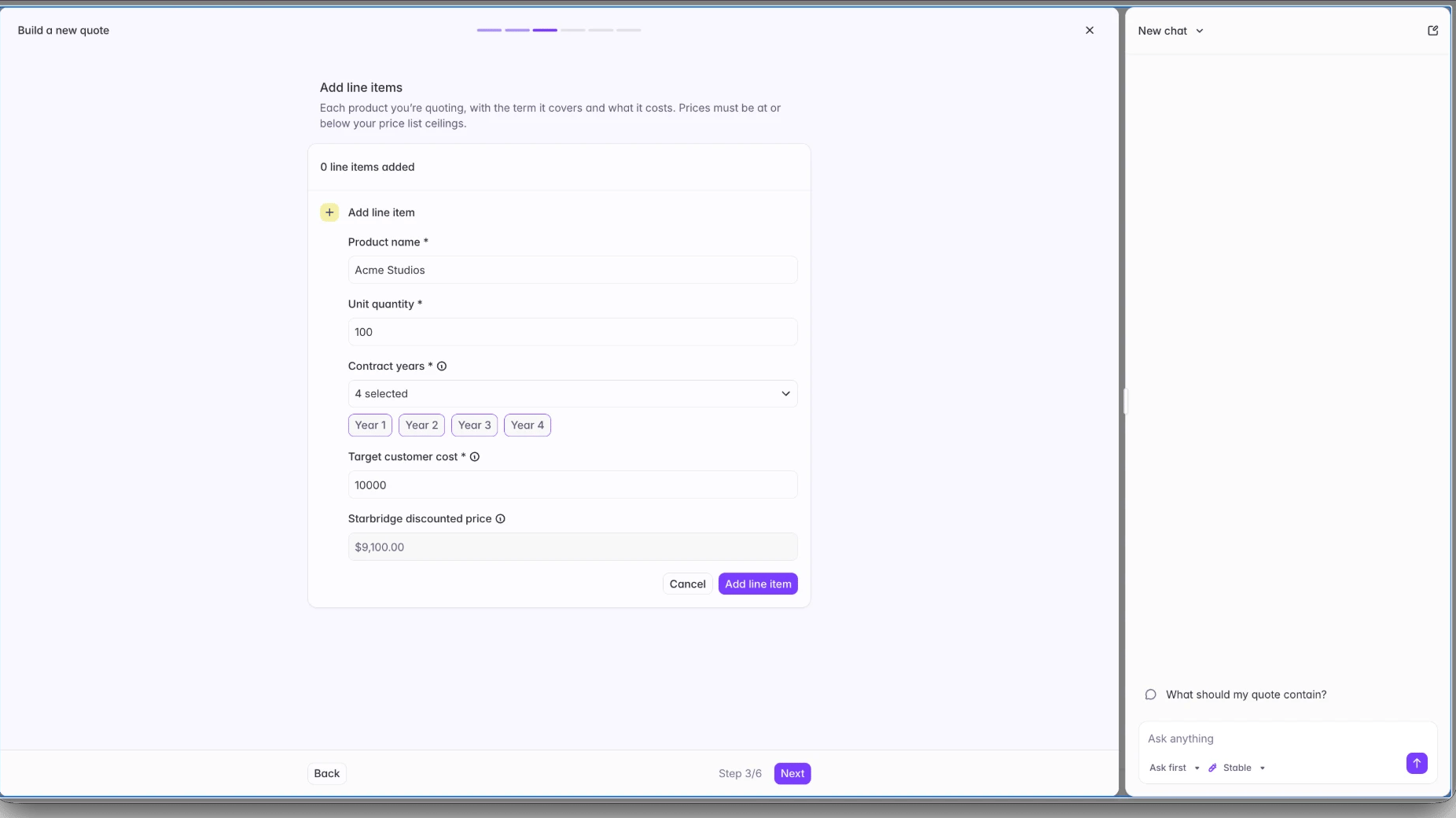
A line item spanning four contract years, with the discounted price calculated for you.
Terms
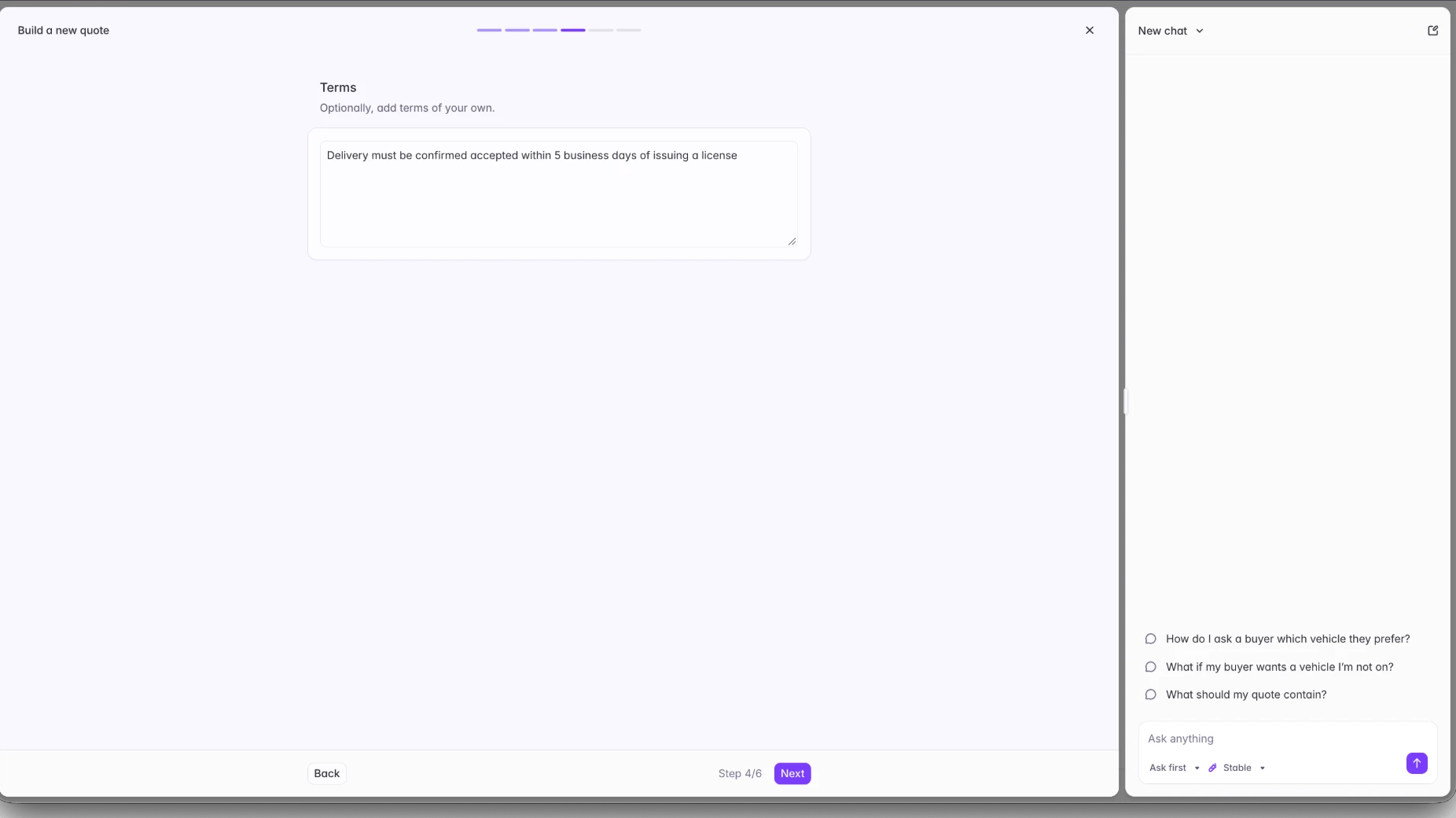
A free text field for terms specific to this deal.
End user license agreement
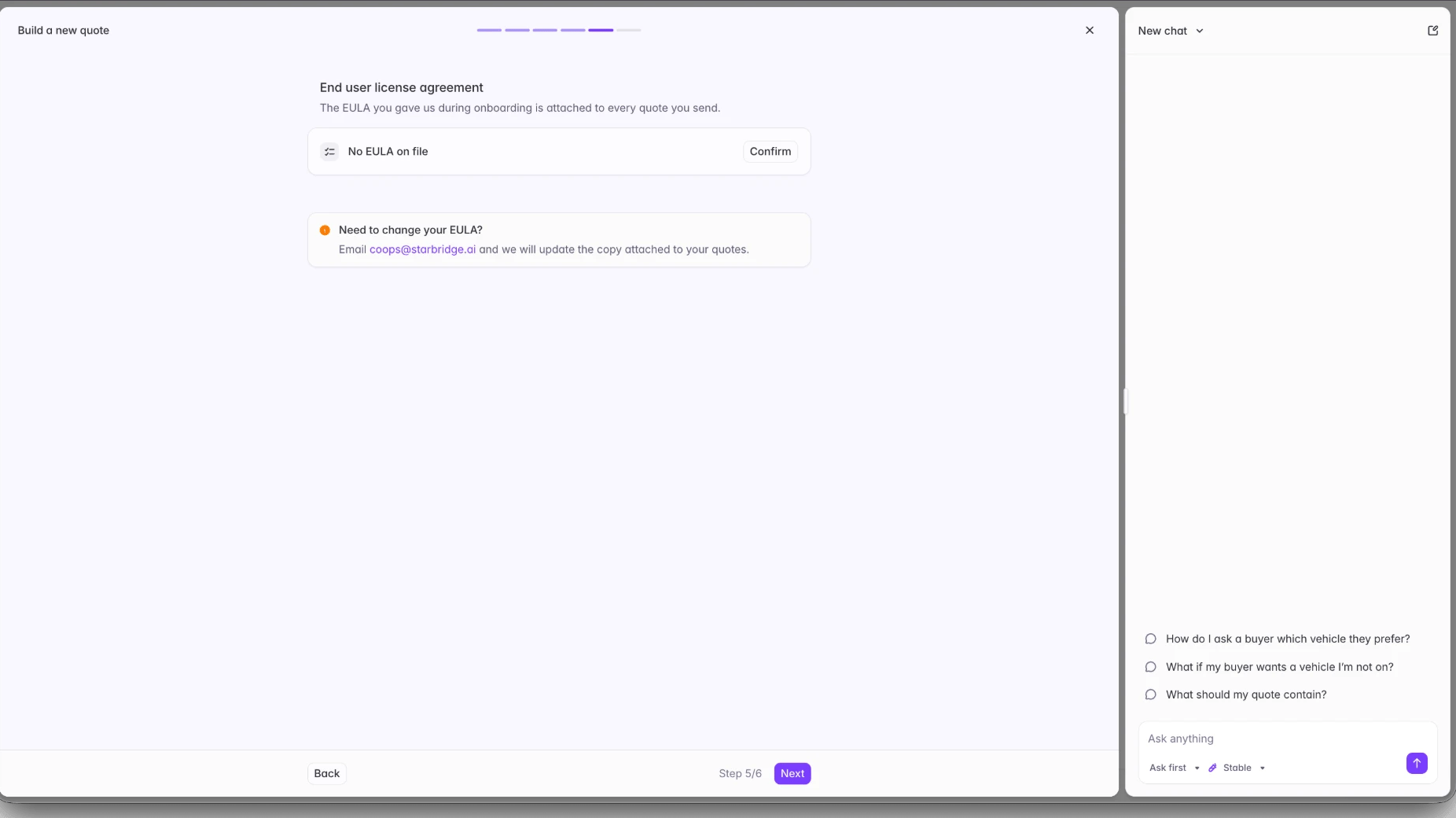
Confirming the EULA on file before the quote goes out.
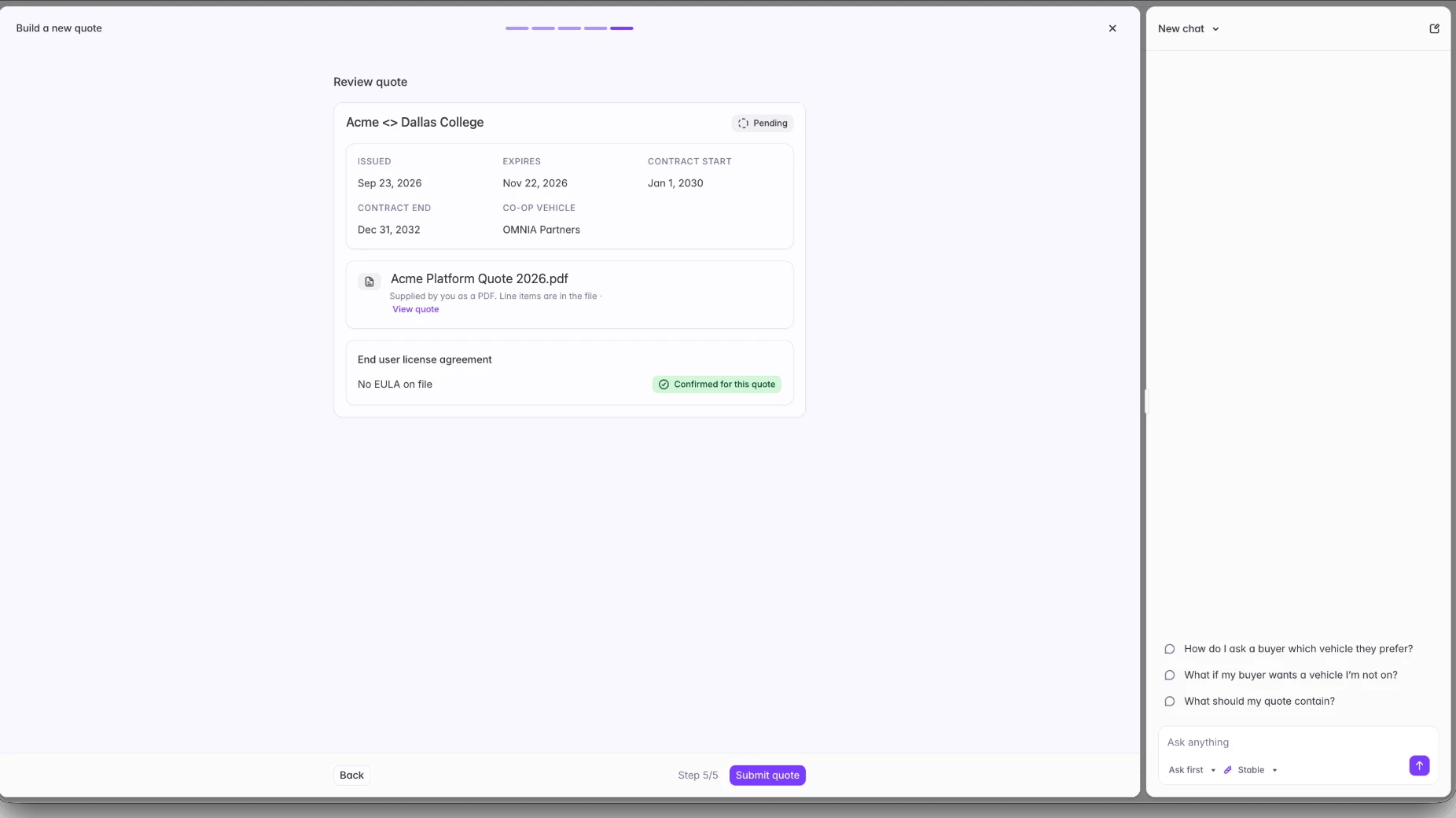
Review quote
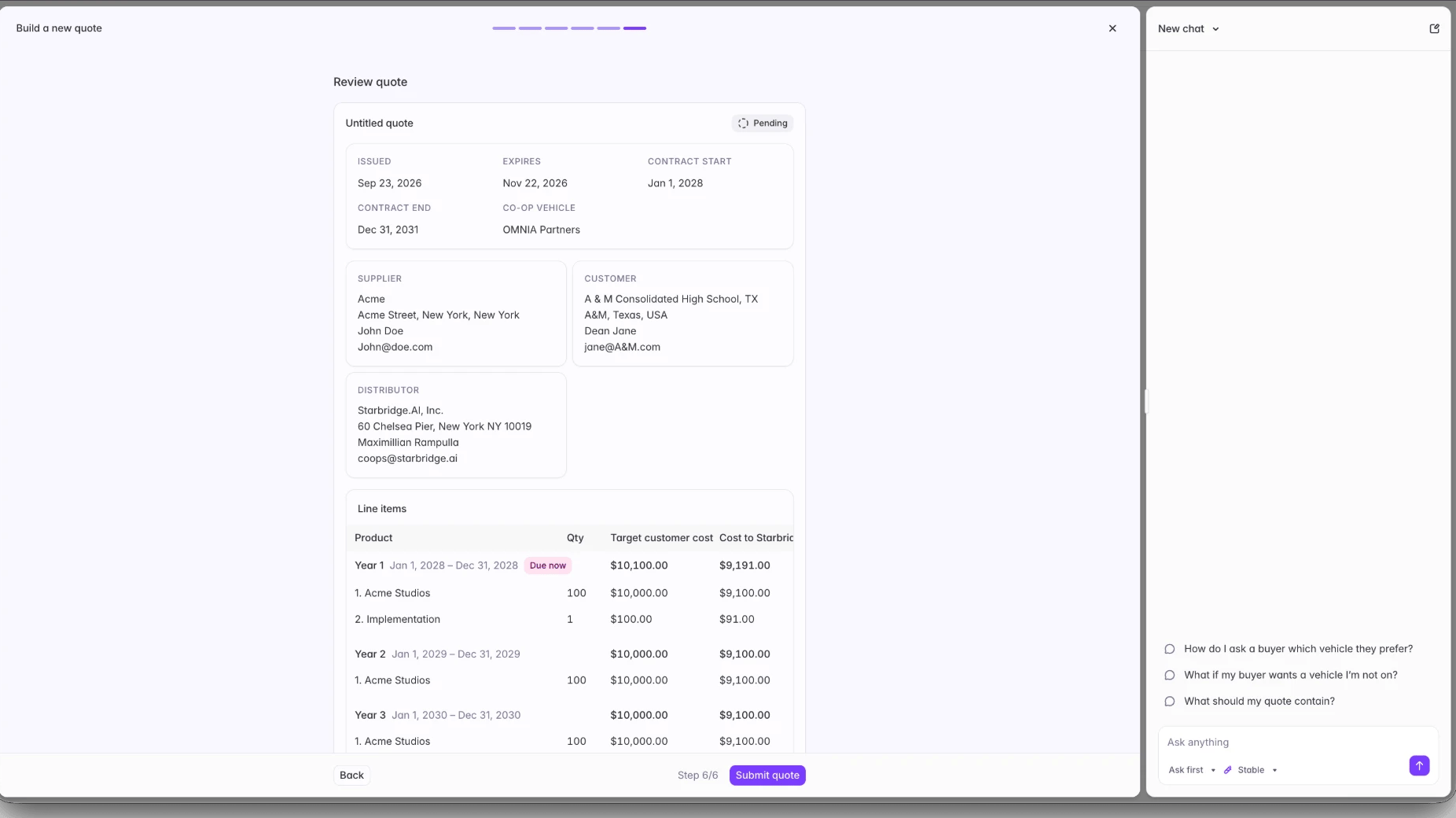
The review step, with a multi-year quote broken out year by year.
What happens after you submit
Starbridge reviews your quote
We issue our quote to the cooperative
The cooperative runs its own check
The quote goes to your buyer
From quote to purchase order
The PO is issued to Starbridge
Starbridge issues it to you for signing
You deliver the product and provide proof of delivery
You get paid
- Contract level. Reissued and sent back to the buyer, without restarting the quote.
- Pricing or EULA. Comes back to you to renegotiate, and the quote starts over.